How to Build an AI Governance Roadmap for Nonprofits

3 Stages to Develop an Effective AI Governance Framework for Nonprofits in California
The surveyor finishes her notes and asks one more question. How does your organization govern its use of AI? Your program staff are waiting for you to answer. The board is waiting too.
Here is the direct answer. Developing an effective AI governance roadmap takes three moves from a leader: understand AI yourself, establish guardrails your board can sign, and pick one low-risk first use. One accountable owner holds it together. The technology underneath has to be ready to follow what you write.
What a written policy gives a leader
You lead the mission. You do not run the servers. Still, funders, accreditors, and your board all look to you when AI comes up.
A written policy turns “we’re figuring it out” into a documented position they can read. It gives you something to hand over instead of something to explain from memory.
The three stages
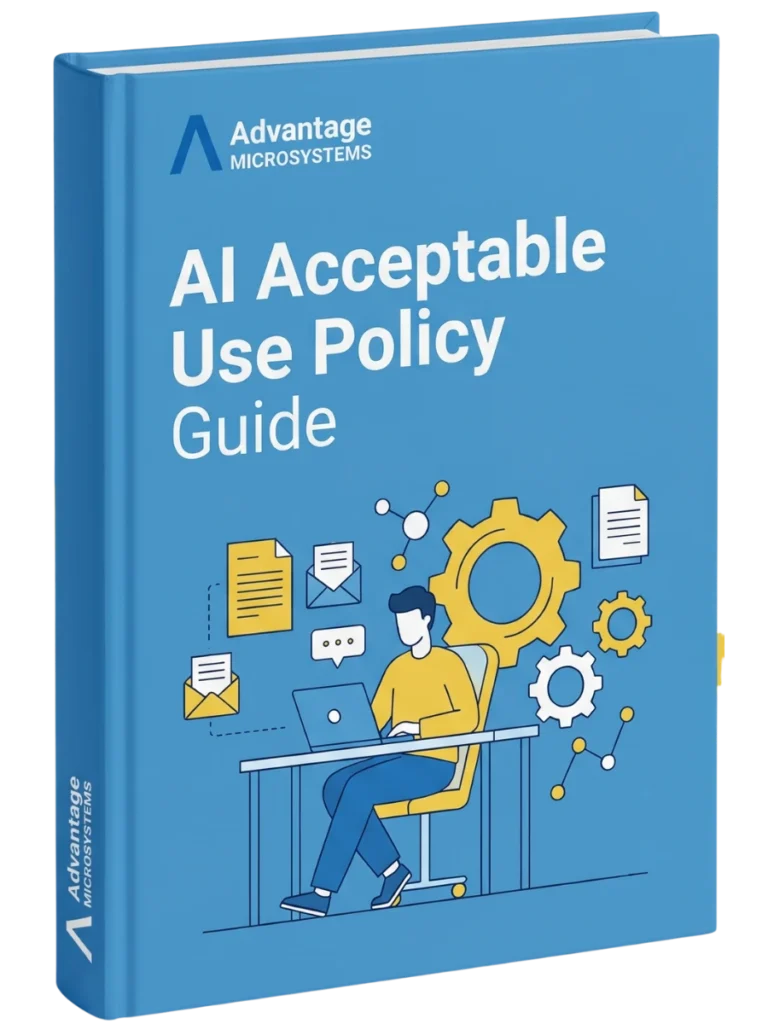
Our AI policy guides for Californian organizations accredited by COA and CARF follow this order:
- Understand it yourself. Try a real nonprofit prompt before you bring anything to your team. A leader who has used the tool asks better questions of it.
- Establish your guardrails. A policy does not need to be long. It needs to answer a short list of decisions clearly enough that any staff member can act on it.
- Identify your first use case. Start at the low-risk end. No client data goes in, it relieves a burden that returns every week, and a person reviews everything before it ships.
The decision that holds the rest together
Name one accountable person for AI. Add a small committee that reviews vendors and data practices. The owner convenes it. Review the policy at least once a year, and again after any new tool, rule change, or close call.
Without that person, a policy is a document. With that person, it is a decision someone can be asked about.
What the guides save you
The COA guide walks through ten decisions and the CARF guide walks through eight. Both are written for leaders, not for IT. Inside, you will find:
- A ladder of five first uses, ordered by risk, so you know where to start and where to wait.
- A short set of off-limits rules that need no interpretation.
- A “before you publish” check, so your policy claims only the safeguards you have turned on.
- For COA organizations, a template pack with vendor questions, a risk-benefit analysis, an oversight scorecard, and a decision log.
They are a starting point, not legal advice. Your compliance officer and legal counsel still review the policy before you publish it.
What COA and CARF expect
CARF’s AI standard took effect July 1, 2026. If your organization is CARF-accredited and uses AI in service delivery, written policies and procedures are now required.
COA’s 2026 AI standards add a point that surprises leaders who use no AI at all. Your technology assessment has to address AI either way, and staff must be trained on it even if you prohibit it. The 2026 updates do not apply to organizations already in accreditation with standards assigned in MyCOA.
Check that the technology underneath is ready
A governance roadmap runs on your systems. Ask your IT lead whether approved AI tools require multifactor sign-in and company-managed devices. Then ask who last reviewed what your AI assistants can reach. Many of them can reach whatever the person using them can reach.
Confirm each vendor agreement covers the AI features, not only the product. A policy that describes controls you do not have is a liability, not a protection.
Where Advantage Microsystems fits
Advantage Microsystems has supported California mission-driven organizations as their managed IT partner for 27 years, and our longest client has stayed for 19. We know a policy and the technology behind it have to match, and that is where we work alongside leadership teams.
On Wednesday, December 9, at 2 PM PST, Steve Hart leads the last AI Policy workshop of 2026, built for nonprofit and healthcare leaders who want to get ahead of 2027 planning. It applies even if you have not adopted a single AI tool.
Register here: The last AI policy workshop of 2026
Questions About AI Readiness for Nonprofits – Answered by Advantage Microsystems
Q: What technical safeguards does an AI governance strategy need?
A: Start with multifactor sign-in and company-managed devices for every approved AI tool. Add a list of the AI sites and apps staff may use, with written, narrow exceptions. Keep security settings and technical detail in internal procedures, and keep your public policy readable for the people you serve.
Q: How do you control what AI tools can access in your systems?
A: Many AI assistants can reach whatever the person using them can reach. Have IT review permissions, sharing settings, and connected apps before you approve a tool, and again on a regular schedule. Test each tool before you deploy it, and keep your most legally protected records out of every AI tool.
Q: How do you keep staff from putting client data into personal AI accounts?
A: Write one short, absolute rule: no client or organizational information in personal or consumer AI accounts. Then ask your IT lead which controls limit pasting company data into personal AI apps. Name one approved path for sensitive information, because one clear path is followed more reliably than a list of exceptions.
Q: What should a nonprofit AI incident response plan include?
A: Staff stop, do not delete anything, and report right away to a named contact with a phone number. The plan promises no retaliation for honest reports and sets the first-hour steps if data goes into the wrong tool. COA organizations also start an investigation within 24 hours of any incident involving harm.
Q: How should a nonprofit check an AI vendor’s security?
A: Ask what data the vendor keeps, whether it trains on your data, and who owns the output, and put the answers in the contract. Confirm each agreement covers the AI features, not only the product. For clinical documentation, require a compliant vendor and a business associate agreement before you start.
Q: How can I work with Advantage Microsystems on AI readiness in California?
A: At Advantage Microsystems, we start with a 45-minute AI readiness consultation that covers your current AI use, your policy gaps, and your next steps. Alliance members who register for the December 9 webinar unlock the consultation: Register Here